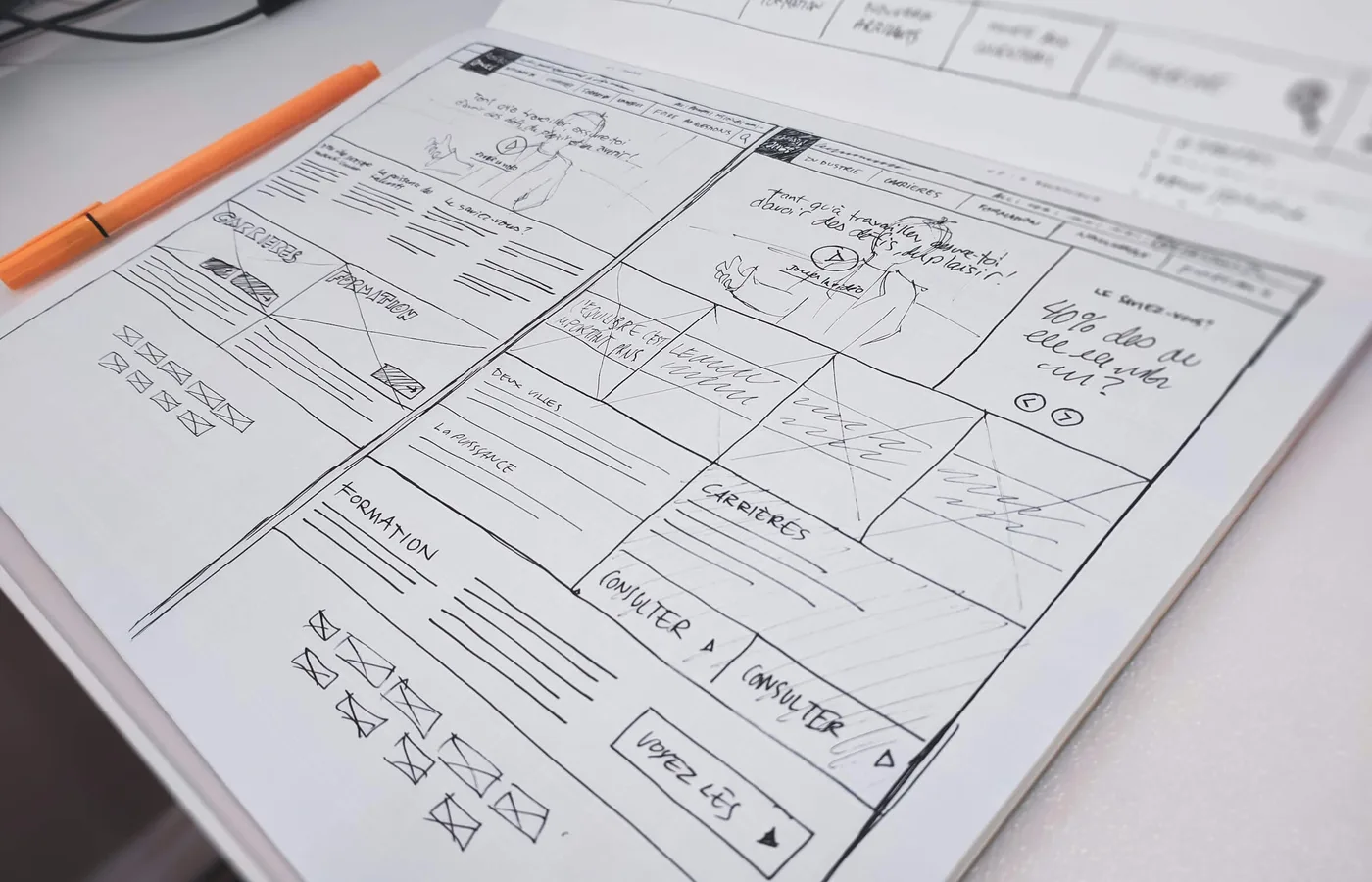
You've found a few websites you like. You've thought about the colours. Somebody has already asked whether the homepage can have a video.
Good. But who is writing the content, where do the enquiries go, and what does the customer actually need to do?
These questions sound less exciting than choosing a design. They're also the ones I'd settle before everybody starts making promises about price and launch dates.
You don't need a forty-page technical brief. You need a clear conversation about the job.
Start with the person arriving
A website for someone comparing engineering services has a different job from a shop selling shoes. Even within the same site, a returning customer may need something quite different from a person who's never heard of you.
Choose the important tasks. What are people trying to understand, find, compare or buy? What do they need to know first? What should the business receive when they get in touch?
“Tell people about us” leaves a lot unanswered. “Help the right customer understand this service and send us a useful enquiry” gives us something to design and test.
Get the offer out of your head
The team building the website needs to understand what you're selling, who it's for and why someone should choose it. They can't infer all of that from a logo and a competitor's link.
We can work through the questions with you. You don't need every answer before the first conversation. But agree who makes the decisions, especially when several people have opinions about the business.
Otherwise, the homepage becomes the place where everybody tries to resolve disagreements they've been avoiding elsewhere.
Agree who supplies the actual content
Copy, photographs, project details, product specifications, testimonials. What exists? What needs producing? Who checks it? Who has permission to use it?
Don't leave those questions until the designer has filled twelve pages with placeholders. A three-word service name in a mockup tells you nothing about how the real nine-word version will fit.
There are separate jobs here: writing the initial copy, approving its accuracy and keeping it current. Agree them. “I thought you were doing that” is a miserable reason to delay a launch.
Look past the boxes in the layout
A form has to send the enquiry somewhere. A booking calendar needs the right availability. A payment button needs to work when the payment fails, not just when the demonstration goes nicely.
List the systems the website must connect to and what should happen between them. Check what information moves, who receives it and who handles a problem.
The same goes for customer accounts. Do people need one to do the job? What will they get from it? Don't add registration because it makes the specification look more substantial.
Think about the person updating it
Will someone change prices every week? Publish reports? Add projects? Or will the content stay fairly steady for months?
That affects the editing setup. Giving a client control over every part of a page is not automatically helpful if an ordinary update can break the layout. Decide what needs to be editable and make those tasks straightforward.
Ask who owns the accounts, who has access and how the website can be handed over. Confirm hosting, backups, maintenance and what happens when you change supplier. You shouldn't have to reconstruct those arrangements during an emergency.
Test the job, not just the screenshot
Try the main tasks on a phone. Use the keyboard to get around. Enlarge the text. Fill in the form incorrectly and see whether you can recover without losing everything you've written. Accessibility includes whether people can perceive, understand and operate the site, not just whether the colours pass a check.1
When replacing an existing website, account for the important pages and links already in use. Changed addresses need appropriate redirects; they shouldn't all end up on the homepage because nobody made a proper plan.2
Agree who approves the launch, who checks it afterwards and how to recover if something goes wrong. Protect the content and enquiry records during that changeover.
Get the money and responsibilities clear
The project price and the ongoing costs are different conversations. Find out which subscriptions, hosting and support arrangements continue after launch. Ask what the support covers and what counts as new work.
These aren't awkward questions. They help you compare proposals and let the people doing the work plan it properly.
Then get back to the design. Now the decisions about the words, layout and imagery have a business behind them, and everybody has a clearer idea of what they're agreeing to build.